
This is a manual for an interactive monitor, which introduces the features and usage of the product.
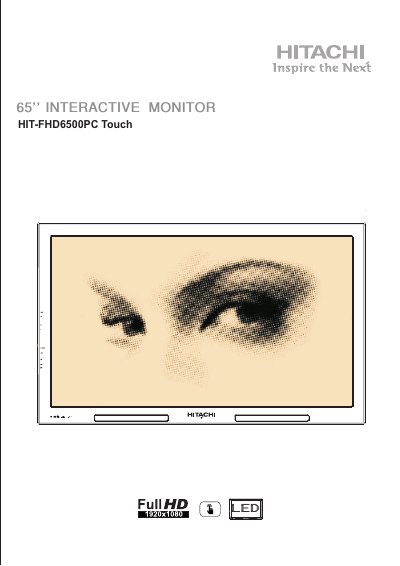
This document serves as the user manual for the Hitachi 65-inch Interactive Monitor (Model: LED HIT-FHD6500PC). It details the system features, including the Intel Core i3 processor, 65-inch LED panel with 1920x1080 resolution, and built-in wireless connectivity. The guide covers essential operations such as turning the system on and off, managing power settings, and connecting peripheral devices like USB drives and external audio equipment.
| Processor | Intel Core i3 Processor 2310M (2.1 GHz) |
|---|---|
| Panel Resolution | 1920x1080 |
| Touch Screen | 65 touch screen with 4-touch feature |
| Memory | 1 x DDR3 So-Dimm 4GB (support up to 8GB) |
| Data Storage | 2.5 SATA HDD 500 GB (support up to 1TB) |
| Power | 220V~50Hz, 1500mA, 275W |
The system supports up to 8GB of memory.
To prevent data loss, turn off the system following the operating system procedure.
The system turns off completely, but any unsaved data will be lost.