
This manual provides sufficient information to enable an individual to install, configure, operate, and troubleshoot an ASTRO® APX Mobile Dual-Radio O7 Control Head System.
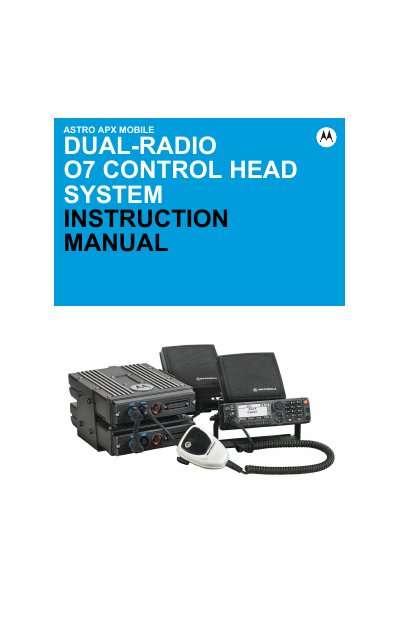
This manual provides step-by-step instructions for installing, configuring, operating, and troubleshooting the ASTRO® APX Mobile Dual-Radio with O7 Control Head System. It covers setup, operation, programming, and troubleshooting procedures. The system supports dual-radio functionality with an O7 control head, including features like radio swap, PTT operation, emergency mode, and cross-band mute. Installation details include cabling, mounting, and antenna placement. The manual also includes sections on converting systems to single-radio or other configurations, and compatibility with specific hardware and software.
The APX Mobile Dual-Radio O7 Control Head System is a dual-radio system that allows operation of two radios with a single O7 control head.
Installation considerations include proper antenna mounting, avoiding lip-mounted antennas, ensuring adequate ground plane distance between antennas, and using appropriate cables for power, ground, ignition, and accessory connections.
Yes, you can convert the system to a single-radio system by disconnecting the CAN cable between the radios, reading the codeplug of the radio to be converted, changing the 'Radio Selection' field to 'Standalone Radio' using CPS, and writing the codeplug back to the radio.