
Motorola Solutions APX 4000 Model 3 Two-Way Radio User Guide

The APX 4000 is a digital portable radio from MOTOROLA. It has two designs, single knob and double knob, and it can receive and transmit data.
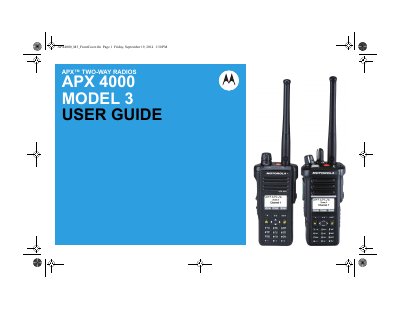

Motorola Solutions APX 4000 Model 3 Two-Way Radio User Guide - cover page
Brand
Motorola solutions
Category
Other Electronics
Document type
User Manual
Language
English
Pages
203
File format
PDF
File size
6.8 MB
Published
16 October, 2023
Updated
16 October, 2023
MD5 checksum
37018E8E7E2AAFD274A8CE04F64F38C6

About this manual

This document serves as the official user guide for the Motorola Solutions APX 4000 Model 3 two-way radio. It provides comprehensive instructions on getting started, including charging the battery, attaching accessories, and turning the radio on. The guide details the identification of radio controls such as the Multi-Function Knob (MFK), Push-To-Talk (PTT) button, and various menu navigation methods.

What's inside

  • Getting Started
  • Radio Parts and Controls
  • General Radio Operation
  • Contacts
  • Scan Lists
  • Emergency Operation
  • Text Messaging Service
  • Secure Operations
  • Global Positioning System
  • Bluetooth

Frequently asked questions

What is the intended use restriction for this radio?

This radio is restricted to Occupational use only.

What is the default timer setting for sending an emergency alarm?

The default emergency button press timer is set to 1 second.

How many positions does the preprogrammed select knob have?

The preprogrammed select knob has 16 positions.

Download PDF (6.8 MB)

More Motorola solutions Manuals


View all Motorola solutions manuals →