
lg hbm-586 bluetooth headset user manual, including product introduction, use method, pairing connection, volume control, call and other content
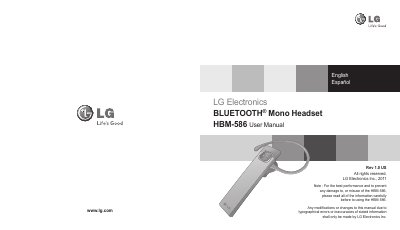
This manual explains how to use the LG HBM-586 Bluetooth mono headset, including charging, pairing with devices, making and managing calls, and using audio streaming. It also covers battery status, auto-reconnect, and advanced multipoint connection features. The headset supports voice dialing and SMS reading on Android devices with the BT Reader app.
| Charging Time | 2 hours |
|---|---|
| Battery Status Levels | High, Medium, Low |
Press and hold the VOLUME button for 3 seconds to check the battery status. The headset will announce the level: High, Medium, or Low.
It takes 2 hours to fully charge the headset.
The headset and handset will disconnect if separated by a range of 33 feet (10 meters) or more.
You must enter 0000 (4 zeros) if asked for a passkey or PIN during pairing.