
This is a user manual for a Bluetooth headset
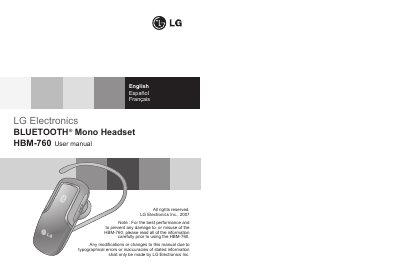
This manual provides step-by-step instructions for using the LG HBM-760 Bluetooth headset, including how to charge, pair with devices, adjust volume, make and manage calls, and troubleshoot common issues. It also includes safety precautions and technical specifications such as battery life and operating temperature.
The headset supports Bluetooth 2.0 with Handsfree and Headset profiles, has a talk time of up to 6 hours, and a standby time of up to 150 hours. It features a lightweight design and intuitive button controls for power, volume, and call functions.
| Bluetooth Specification | V2.0 (Handsfree / Headset profiles) |
|---|---|
| Battery | 3.7V, Li-Polymer |
| Standby Time | Up to 150Hrs |
| Talk Time | Up to 6Hrs |
| Charging Time | < 2Hrs |
| Operation Temperature | -10 ℃ ~ 60℃ |
| Dimension / Weight | 45mm(W) X 20.2mm(L) X 10.9 mm(H) / 10.8g |
| Adapter Rated Voltage | AC 100 ~ 220V, 50 ~ 60HZ |
Turn off the headset, press and hold the PWR button for 4 seconds to enter Auto-Reconnect mode, then use your phone’s Bluetooth menu to search for and select 'LG HBM-760'. Enter '0000' as the PIN code.
The talk time is up to 6 hours.
It takes less than 2 hours to fully charge the headset.
Check if the battery is fully charged. If not, charge it for at least 2 hours.