
This manual introduces how to install, operate and maintain the HM1077ER1 controller.
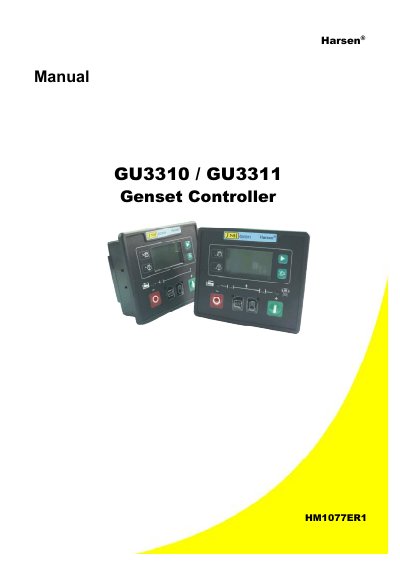
The Harsen GU3310 and GU3311 are intelligent controllers designed for single generating sets. The GU3310 functions as an Auto Start controller, while the GU3311 acts as an Automatic Mains Failure Controller. Both units feature a 128 x 64 graphic LCD, multi-language menus, and support for true RMS voltage and current measurements. They include configurable inputs and outputs, allowing users to customize sensor curves and control modes for various generator assembly plant needs.
| Display | 128 x 64 graphic LCD |
|---|---|
| AC Voltage Measurement | True RMS, Phase to Neutral 15 to 346VAC |
| AC Voltage Frequency | 3 to 70Hz |
| Current Measurement | True RMS, 0 to 6000A |
| Configurable Relay Outputs | 5 |
| Configurable Digital Inputs | 3 |
| Analog Inputs | 3 |
| Protection Degree (Front) | IP65 |
The GU3310 is an Auto Start controller, while the GU3311 is an Automatic Mains Failure Controller.
The default password for entering parameter settings is 0000.