
This manual provides usage instructions, installation guides, operation procedures, and technical specifications for the Harsen GU611A generator set…
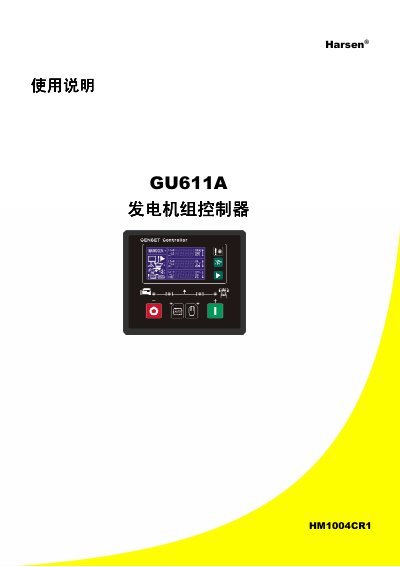
The Harsen GU611A is an automatic controller designed for generator sets. It monitors mains power and automatically starts the generator when a mains failure occurs, stopping it when power is restored. The controller features an LCD display with backlight, supports both automatic and manual operation modes, and measures parameters such as voltage, current, oil pressure, and water temperature. This manual is written in Chinese.
| Operating Voltage | 12V/24V (8-35Vdc continuous) |
|---|---|
| Mains Voltage Input | 0-300Vac |
| Current Input Range | 0-5A |
| Sensor Resistance | <2K Ω |
| Relay Contact Rating | 3A/30Vdc |
| Panel Dimensions | W120mm×H102mm |
The default password for parameter settings is 2213.
The default password for online programming mode is 3132.
Enter the parameter setting menu, press the key eight times until the default value screen appears, input the password, and press the key to restore defaults.