
This document is a manual for the Harsen® manual controller HM1006ER3, which includes warnings, cautions, and other relevant information about the product.
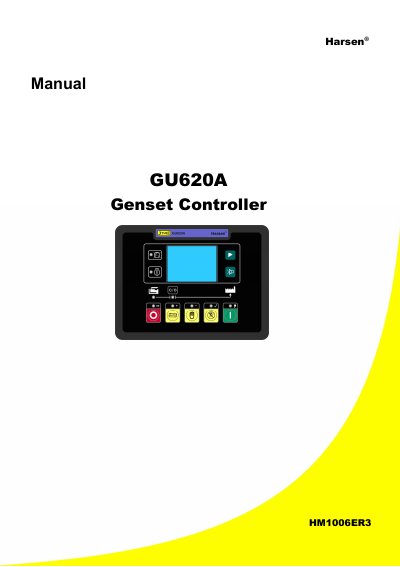
The Harsen GU620A is a new generation automatic control module designed for single gensets, featuring a 128 x 64 pixel LCD display, True RMS measurement of voltage and current, and multi-language menu support. It monitors and protects the engine by indicating operational status, fault conditions, and metering data on the front panel.
| AC voltage measurement range | Phase to Neutral 15 to 346VAC; Phase to Phase 25 to 600VAC |
|---|---|
| AC voltage frequency input range | 3 to 70Hz |
| Power supply range | 12V/24V (8-35V continuous) |
| Configurable digital inputs | 7 |
| Configurable relay outputs | Fuel relay 16A/30Vdc; Start relay 16A/30Vdc; Aux relay 3A/30Vdc |
The default password is 0000.
Press and hold the Scroll Button for 2 seconds to enter the parameters settings menu.
The maximum operating current at 12V is 310mA.