
This manual introduces the use of RP350 modeling guitar effect, including product function introduction, use method, precautions, etc.
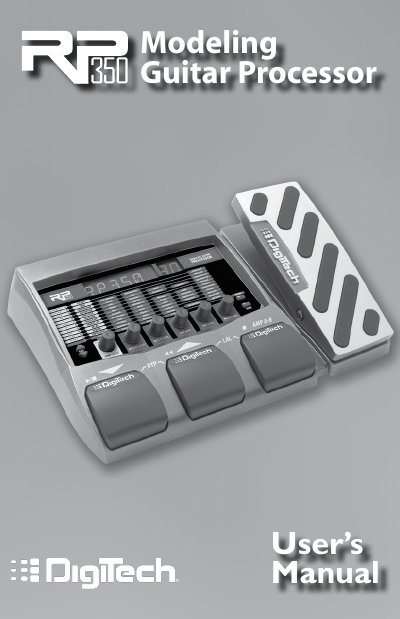
The DigiTech RP350 is an advanced modeling guitar processor featuring a patented AudioDNA2 custom audio DSP chip. It provides access to a wide selection of tones and effects through its Tone Library and Effects Library, allowing users to dial up specific sounds quickly. The device supports USB connectivity for computer recording and includes a built-in drum machine.
| Included Items | RP350, PS0913B Power Supply, Warranty Card |
|---|---|
| Safety Standard | IEC 60065 (1998) |
| EMC Standard | EN 55013 (2001 + A1) |
| EMC Standard | EN 55020 (1998) |
| User Presets | 70 |
| Factory Presets | 70 |
It powers up in Performance mode, providing access to all presets via the Up and Down Foot-switches.
Press the Up and Down Footswitches simultaneously to engage the true analog bypass circuit.
Press and hold the Up and Down Footswitches simultaneously for 2 seconds.
The default factory setting is A=440 Hz.