
This is a user manual for Grundig DAB Radio with Touch Screen Control Panel. It explains how to use the product.
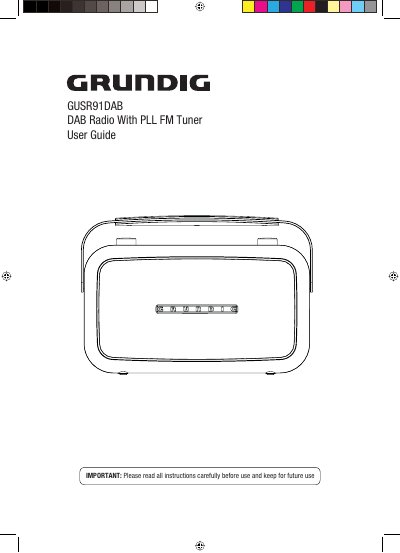
This user guide explains how to set up and operate the Grundig GUSR91DAB DAB radio, including connecting power and auxiliary devices, adjusting volume, and using preset stations. It also covers scanning for DAB stations, changing station information, and troubleshooting common issues. Safety instructions and warranty details are included for proper use and support.
It can receive DAB radio stations, tune into FM radio stations, or connect an auxiliary device.
Up to 10 DAB stations can be preset for easy access.
The DAB Radio is guaranteed for twelve months from the date of original purchase.
The helpline number is 0871 230 1777.