
This manual introduces the use of Turbidity Sensor TS3000
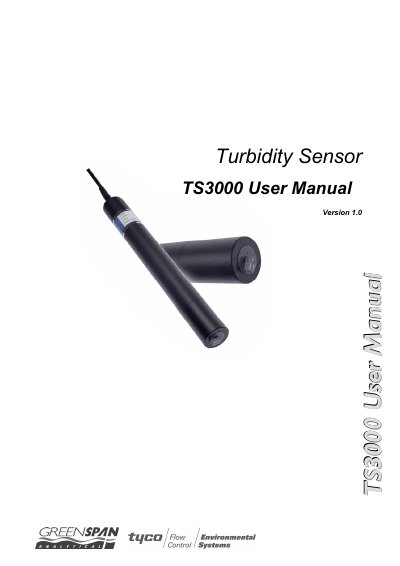
This manual provides detailed instructions for configuring, operating, and maintaining the Tyco TS3000 turbidity sensor. It covers system description, wiring, software setup, calibration procedures, and field installation guidelines. The sensor is designed for monitoring turbidity up to 1,000NTU in harsh environments, with features like an integrated wiper and 90° optics using infrared light. It supports RS232 output and can be powered by external or onboard batteries for remote deployment.
The manual also includes warranty information, factory service procedures, and documentation for certification and troubleshooting. It is intended for users who need to deploy and maintain the sensor in remote or challenging conditions, such as groundwater or acidic water applications.
| Measurement Range | 100NTU, 400NTU, 1,000NTU |
|---|---|
| Operating Depth | 100 meters (approx. 330 feet) |
| Optical System | 90° optics, 860nm infrared light, ISO7027 compliant |
| Output | RS232 |
| Warranty | 12 months from date of invoice |
The TS3000 is designed for monitoring turbidity up to 1,000NTU, with standard ranges of 100NTU, 400NTU, and 1,000NTU.
The sensor can be submerged to a depth of 100 meters (approx. 330 feet).
The warranty is 12 months from the date of invoice, covering defects in materials and workmanship.
The sensor can be configured using SmartCom software for RS232 connections.