
Grundig GX-3800 CarPlay Head Unit User Manual

This manual introduces the operation methods of GX-3800, including initial setup, function buttons, home screen descriptions, radio use, USB playback, etc
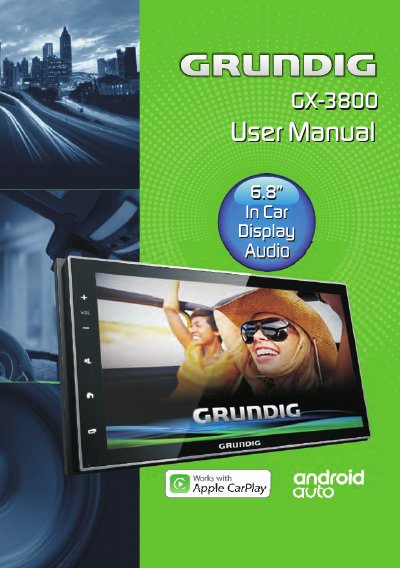

Grundig GX-3800 CarPlay Head Unit User Manual - cover page
Brand
Grundig
Category
Car
Document type
User Manual
Language
English
Pages
24
File format
PDF
File size
2.1 MB
Published
18 October, 2023
Updated
18 October, 2023
MD5 checksum
DEB0D03A74BD152696ECB07D47A2A15E

About this manual

The Grundig GX-3800 is a car head unit designed for Apple CarPlay integration. The initial setup requires selecting the country and language, after which users can access the home screen featuring various connectivity options like Rear Aux, Tuner Radio, and DVR Mode. The unit supports smartphone connectivity via Bluetooth and USB for audio, phone calls, and charging.

What's inside

  • Initial Setup
  • Overview Of The Unit
  • Home Screen Descriptions
  • Radio Operation
  • USB Media Operation
  • Bluetooth Connection
  • Phone Call Functions

Frequently asked questions

How do I connect my phone to the Grundig GX-3800?

Search for 'GRUNDIG' in your phone's Bluetooth settings and select the device to connect.

What is the minimum distance required between the unit and the body?

The equipment must be operated with a minimum distance of 20cm between the radiator and your body.

Download PDF (2.1 MB)

More Grundig Manuals


View all Grundig manuals →