
This is a user manual for the Genius G-100/G-100B vehicle tracker
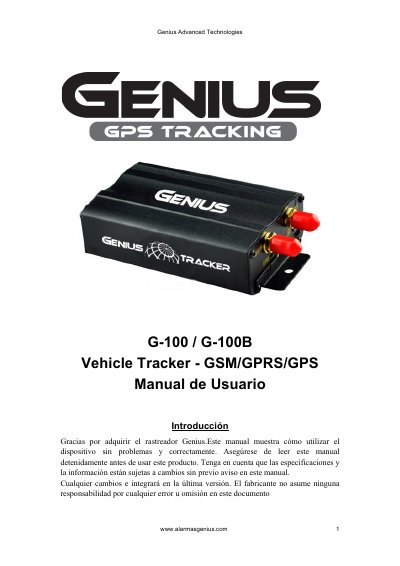
This manual provides instructions for the Genius G-100 and G-100B vehicle trackers, which utilize GSM/GPRS and GPS systems for security, positioning, and emergency control. The device supports remote tracking via SMS or the Internet and features dual-mode switching between SMS and GPRS for data transmission. This manual is written in Spanish.
| Dimensions | 83*54*26mm |
|---|---|
| Weight | 120g |
| Network Bands | 850/900/1800/1900Mhz |
| GPS Sensitivity | -159dBm |
| GPS Accuracy | 5m |
| Cold Start Time | 45s |
| Warm Start Time | 35s |
| Hot Start Time | 1s |
| Operating Voltage | 12 V -24V |
| Backup Battery | 3.7V500mAh |
| Storage Temperature | -40°C a +85°C |
| Operating Temperature | -20°C a +65°C |
The default password is 123456.
Send the SMS command 'begin + contraseña' to the device.
Up to 5 numbers can be programmed as authorized.
The interval should not be less than 20 seconds.