
Genius Genius Fit Watch User Manual

This document is the user manual of Genius Watch, which introduces the appearance, functions and use methods of the product.
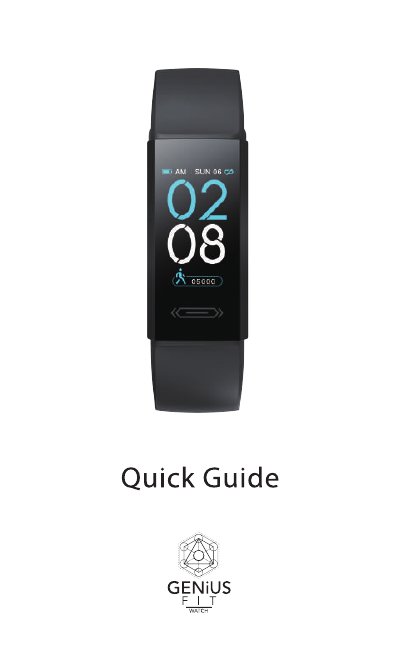

Genius Genius Fit Watch User Manual - cover page
Brand
Genius
Category
Watches
Document type
User Manual
Language
English
Pages
21
File format
PDF
File size
548 KB
Published
18 October, 2023
Updated
18 October, 2023
MD5 checksum
83231B2400835458AC8DCAE446525B2D

About this manual

The Genius Genius Fit Watch is a wearable device designed to monitor various health metrics including steps, distance, calories, sleep, heart rate, and blood pressure. It features a touch interface and connects to a smartphone via the Genius Fit APP using Bluetooth 5.0.

What's inside

  • Description of appearance
  • Initial Use Instructions
  • Pairing with your Genius Watch
  • Main Functions
  • Motion Monitoring
  • Running Mode
  • Sleep Monitoring
  • Heart Rate and Blood Pressure Testing
  • Notifications and Reminders
  • Specifications

Specifications

Data TransferBluetooth 5.0
WaterproofWater Resistant

Frequently asked questions

How do I start up the watch?

Press the touch area for 3 seconds to start up the watch.

How do I shut down the watch?

Switch to the Watch Shutdown screen and press the touch area for 3 seconds.

How do I reset the password?

Long press the touch area for 6 seconds while in Sleep mode.

Is the watch waterproof?

The device is water resistant and suitable for hands washing, rain or cold shower, but not suitable for plunge, dive or soak.

Download PDF (548 KB)

More Genius Manuals


View all Genius manuals →