
This document is the service manual for Gaymar T/Pump 600 and 700 series
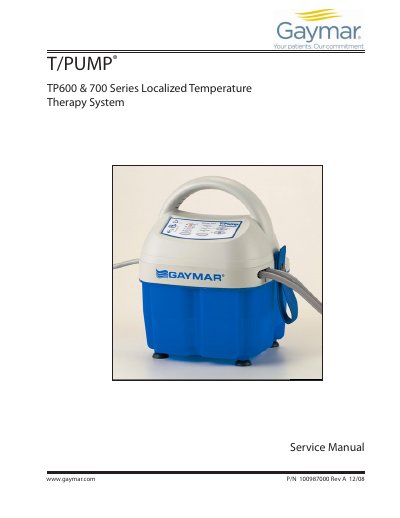
This document is the Service Manual for the Gaymar TP600 and TP700 series Localized Temperature Therapy Systems. It is intended for qualified medical service personnel to perform repairs, function tests, and maintenance on the T/Pump, T/PAD, Mul•T•Pad, Clik-Tite, and Colder-style connectors. The manual outlines strict safety precautions, including warnings about flammable anesthetics and the requirement for a Return Goods Number (RG#) for factory repairs.
| Reservoir capacity | 93 oz (2.75 l) maximum |
|---|---|
| Flow rate | 9 gph (34 lph) minimum with pad attached |
| Ambient operating temperature | 60°F to 90°F (15.6°C to 32.2°C) |
| Maximum Contact Surface Temperature | 107°F (42°C) |
| High Limit Safety Temperature | 111°F to 118°F (44°C to 48°C) |
| Average temperature accuracy | ±2°F at 107°F (±1°C at 42°C) |
| Current leakage | 300 microamperes maximum |
| Max Ground resistance | 0.5 ohm max |
Only qualified medical service personnel should repair or perform function tests on the T/Pump.
Merchandise must be accompanied by a Return Goods Number (RG#) issued by Gaymar.
The setpoints are High Heat at 107°F (42°C), Low Heat at 100°F (38°C), and Cooling at 50°F (10°C).
Press and hold the setpoint button for 2 seconds to lock or unlock the setpoint.