
This manual is the LOV™ M3000 controller's operating manual for Frymaster, which includes installation, operation, and troubleshooting.
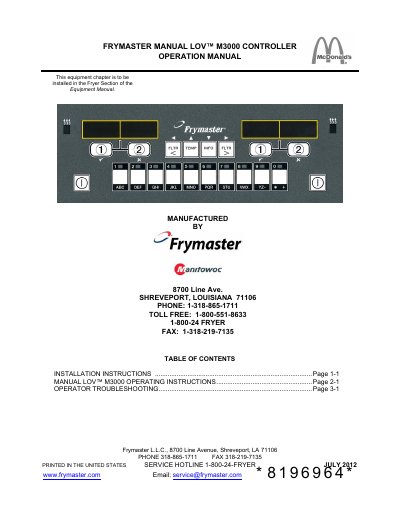
This manual provides step-by-step instructions for installing and operating the Frymaster LOV™ M3000 controller. It explains how to use the controller for single- and multi-product cooking, including menu navigation and cook cycle initiation. The manual also covers troubleshooting common issues like temperature probe failures, heating problems, and filtration errors, with corrective actions for each. Installation requires network cables and locator connectors, and the system must be terminated on the far ends of the fryer bank. Service support is available through Frymaster’s authorized servicers.
Shut the fryer down and call your FAS for assistance.
Choose a menu item on a product button and press, then press a cook channel button under the display showing the desired item.
Clear error and silence the alarm by pressing the 9 button. If this error continues, call your FAS for assistance.
Check if the power cord is plugged in, circuit breaker is not tripped, or if the motor has overheated. If overheated, allow the motor to cool for 45 minutes then press the Pump Reset Switch. If the problem persists, call your FAS for assistance.