
This is a user manual for Sharper Image Easy to Read Digital Clock, which includes the product features, functions and how to use it.
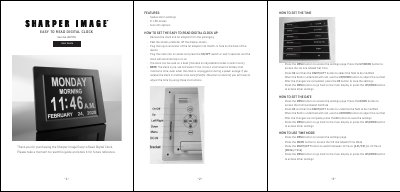
This user guide provides instructions for setting up and operating the Sharper Image Easy to Read Digital Clock. It covers initial setup steps, including removing the screen protector and connecting the AC adapter. The guide details how to configure time, date, and time modes, as well as how to set up alarms with various tags like 'Meal' or 'Medicine'.
| LED Screen Size | 8 inches |
|---|---|
| Dimensions | 8.5" L x 6.8" W |
| Resolution | 1024 x 768 |
| AC Input | 100-240V |
| AC Output | 5V-2A |
| Warranty | 1-year limited replacement warranty |
The clock supports English, German, French, Italian, Spanish, Polish, Dutch, and Welsh.
No, the clock does not change the time automatically for daylight savings time and needs to be adjusted manually.
The clock features twelve alarm settings.