
This document is the user manual for the Sharper Image Large Boxing Robots, which introduces the features and characteristics of the robots, including remote control, accelerometer technology, LED lights, sound effects, and automatic scoring.
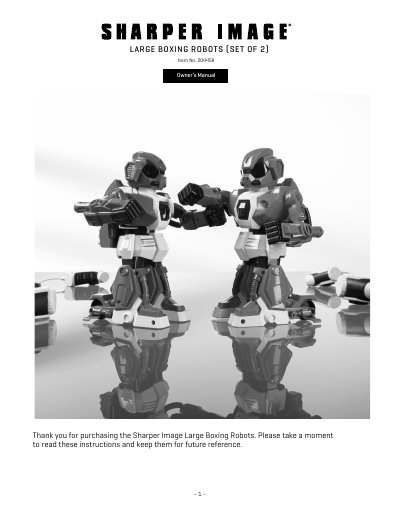
This document is the Owner's Manual for the Sharper Image Large Boxing Robots, a set of two remote-controlled fighting robots. The manual details the package contents, including the robots, remote control transmitters, and user guide. It outlines the setup process, which involves installing specific batteries (9V for remotes, AAA for robots) and configuring the three available channels to allow multiple robots to fight simultaneously.
| Batteries required for Remote Control Transmitters | 2 9V batteries |
|---|---|
| Batteries required for each Robot | THREE AAA batteries |
| Number of Robots included | 2 |
| Number of Transmitter channels | 3 |
Turn OFF the Robot and the Transmitter, wait 10 seconds, then turn the Robot ON followed by the Transmitter.
Most trouble is a sign of weak batteries, so you should replace the Robot or Transmitter batteries.
Flashing red indicates the robot has taken four hits and is in critical condition.