
Key facts
- Manuals
- 1
- Languages
- EN
- Last added
- 2026-10-01
Featured Sharper Image manuals
Sharper Image 205987 Cassette to MP3 Converter User Guide
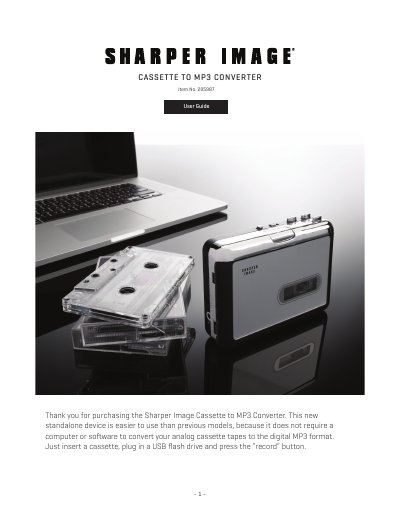
The Sharper Image Cassette to MP3 Converter is a standalone device that converts analog cassette tapes to digital MP3 files without a computer. It operates on two AA batteries or a USB power source and includes an 8 GB USB flash drive for storing up to about 2,000 songs.
The guide explains the device’s parts, LED indicators, manual and auto recording modes, AUX line‑in recording, playback functions, and troubleshooting tips. Detailed specifications such as power supply, audio bitrate, and dimensions are also provided.
Covers: Features · Identification of Parts · LED Indicator Lights · Power Supply · Converting Your Cassette to MP3 · Recording in Manual Mode
Latest Sharper Image manuals
Sharper Image 205987 Cassette to MP3 Converter User Guide
User Manual 5 pages · 732 KB · ENUser guide for the Sharper Image 205987 Cassette to MP3 Converter, covering operation, recording modes, power options, and troubleshooting.
Which document do I need?
User Manual
Day-to-day operation, settings and troubleshooting. Start here if the product is already set up.
Questions answered in Sharper Image manuals
How do I record in manual mode?
Press the recording button to start recording; press it again to stop and save the MP3 file. Short‑press the button to insert a track break.
From: Sharper Image 205987 Cassette to MP3 Converter User Guide
How do I switch to auto recording mode?
Long‑press the recording button for 3‑5 seconds until the LED changes from green to blue, which activates auto mode.
From: Sharper Image 205987 Cassette to MP3 Converter User Guide