
Firebox is a firewall product from WatchGuard Company, which can be used to protect network security
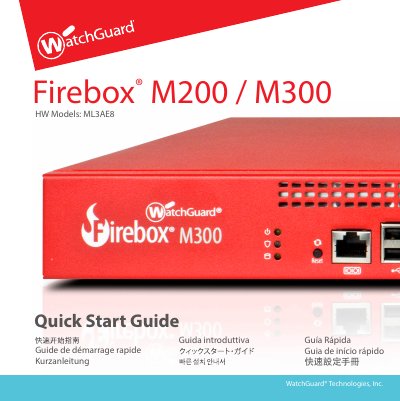
This document serves as a Quick Start Guide for the WatchGuard Firebox M200 and M300 Hardware models. It outlines the initial activation process, which involves registering the device serial number on the WatchGuard website and selecting a setup method. The guide details two primary setup paths: RapidDeploy QuickStart, which automatically applies a pre-configured security profile, and Classic Activation, which uses a Web Setup Wizard to create a basic configuration file.
| RJ45 Interfaces | Interfaces 0 - 7 |
|---|---|
| Link Speeds | 10, 100, or 1000 Mbps |
| Default IP Network | 10.0.1.0/24 |
| Default Web UI URL | https://10.0.1.1:8080 |
| Default Login User | admin |
| Default Login Passphrase | readwrite |
The device assigns an IP address on the 10.0.1.0/24 network when connected.
You can reset the device if you need to restore factory-default settings, such as if you do not know your administrator account passphrase.