
WatchGuard Firebox T30/T50 Wireless Quick Start Guide

Quick Start Guide introduces the activation and configuration methods for Firebox T30/T50 Wireless devices, including RapidDeploy QuickStart and Classic Activation.
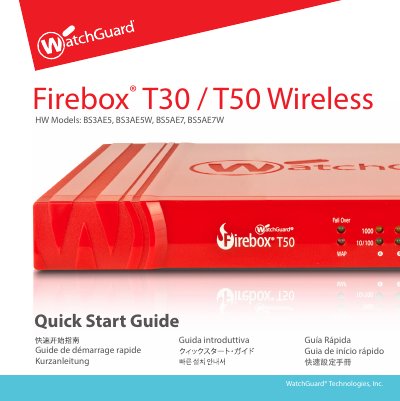

WatchGuard Firebox T30/T50 Wireless Quick Start Guide - cover page
Brand
WatchGuard
Category
Other Electronics
Document type
Quick Start Guide
Language
English
Pages
41
File format
PDF
File size
2.2 MB
Published
16 October, 2023
Updated
16 October, 2023
MD5 checksum
C74812D2E93E169D9FC5A638B054216C

About this manual

This document is a multilingual quick start guide for the WatchGuard Firebox T30 and T50 Wireless models. It covers device activation via the WatchGuard website, selection of setup methods (RapidDeploy QuickStart or Classic Activation), and initial configuration steps including connecting to the Web UI at 10.0.1.1:8080.

What's inside

  • Activate Your Device
  • RapidDeploy QuickStart Setup
  • Classic Activation Setup
  • About the Device Status Lights
  • Reset the Firebox to Factory-Default Settings

Frequently asked questions

What user account and passphrase are used to log in after activation?

You must log in with the user account admin and the Admin (readwrite) passphrase you set during activation.

What IP address should be used to connect to the device's Web UI?

You can access the Web UI by going to https://10.0.1.1:8080.

How many network interfaces does the Firebox T30 have?

The Firebox T30 has five network interfaces.

Download PDF (2.2 MB)

More WatchGuard Manuals


View all WatchGuard manuals →