
Official release notes for WatchGuard Fireware XTM OS version 11.6.3, detailing new features like RapidDeploy and Automatic Feature Key Synchronization, bug…
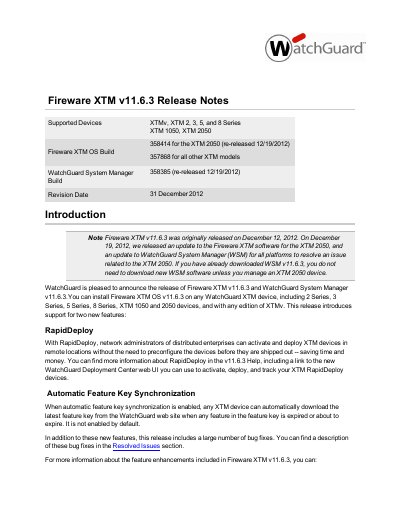
This document provides the release notes for Fireware XTM v11.6.3, a software update applicable to WatchGuard XTM 2 Series, 3 Series, 5 Series, 8 Series, XTM 1050, and XTM 2050 devices. The release introduces two primary new features: RapidDeploy for activating remote devices without preconfiguration, and Automatic Feature Key Synchronization to manage expiring feature keys automatically.
| Supported Devices | XTM 2 Series, 3 Series, 5 Series, 8 Series, XTM 1050, and XTM 2050 |
|---|---|
| Release Date | December 12, 2012 (Original) |
| OS Build Number | 357868 |
| XTMv Disk Space Requirement | 3 GB |
Yes, if you upgrade from an earlier version of Fireware XTM OS, you can use your existing feature key.
Each XTMv virtual machine requires 3 GB of disk space.
The recommended allocation is 4 VirtualCPUs for a Large Office.
A minimum of 4 GB of Memory is recommended for a Datacenter setup.