
RAE Systems AutoRAE Automated Bump Test And Calibration System User Manual

User Manual for Automated Bump Test And Calibration System
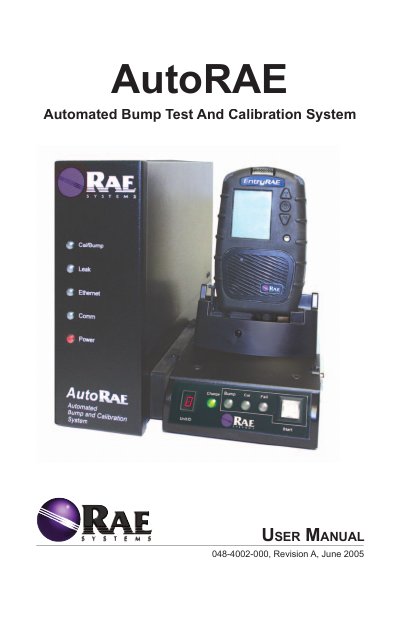

RAE Systems AutoRAE Automated Bump Test And Calibration System User Manual - cover page
Brand
RAE Systems
Document type
User Manual
Language
English
Pages
16
File format
PDF
File size
1.1 MB
Published
18 October, 2023
Updated
18 October, 2023
MD5 checksum
B15C8D3C8A415E48D23C6C9AA26295BB

About this manual

The AutoRAE is an automatic system for charging batteries, performing bump tests, and calibrating RAE Systems gas monitors. It requires setup with a controller, cradles, calibration gases, and proper ventilation. The system can handle multiple monitors sequentially, with LEDs indicating status during operations. Firmware upgrades are supported via Ethernet connection.

What's inside

  • Introduction
  • AutoRAE Basic Setup Requirements
  • Setting Up The AutoRAE System
  • Using The AutoRAE System
  • Charging Monitor Batteries
  • Performing A Functional Bump Test
  • Calibrating A Monitor
  • Calibrating And Bump Testing Multiple Monitors
  • Disconnecting The AutoRAE System
  • Upgrading The AutoRAE Controller Firmware

Frequently asked questions

How do I charge a monitor’s battery using the AutoRAE?

Place the monitor in a cradle and turn on the system. The green 'Charge' LED will flash until the battery is fully charged, then remain lit.

What happens if a monitor fails a bump test?

The AutoRAE will automatically start to calibrate the monitor.

How do I upgrade the AutoRAE controller firmware?

Connect the controller to a computer via Ethernet crossover cable, disable other Ethernet connections, and use the provided automatic firmware upgrade utility software.

Download PDF (1.1 MB)

More RAE Systems Manuals


View all RAE Systems manuals →