
This document provides information about installing and removing the Endevco Model 2250AM1 Microminiature Accelerometer
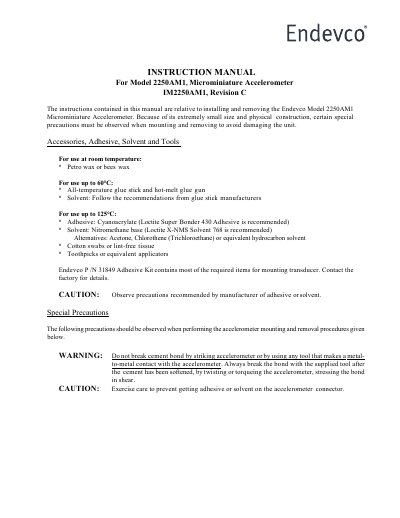
This instruction manual covers the installation and removal procedures for the Endevco Model 2250AM1 Microminiature Accelerometer. Due to the unit's extremely small size and physical construction, special precautions must be observed during mounting and removal to avoid damaging the device. The document details the necessary accessories, adhesives, solvents, and tools required for the process at various temperature ranges.
| Product Type | Microminiature Accelerometer |
|---|---|
| Revision | Revision C |
| Recommended Adhesive for Room Temperature | Petro wax or bees wax |
| Recommended Adhesive for up to 60°C | All-temperature glue stick and hot-melt glue gun |
| Recommended Adhesive for up to 125°C | Cyanoacrylate (Loctite Super Bonder 430 Adhesive) |
| Recommended Solvent for up to 125°C | Nitromethane base (Loctite X-NMS Solvent 768) |
| Recommended Removal Tool | P /N 24385 |
| Recommended Cable Assembly | Model 3024 |
Do not break the cement bond by striking the accelerometer or using any tool that makes metal-to-metal contact. Always break the bond by twisting or torqueing the accelerometer after the cement has been softened.
Press down and hold the accelerometer firmly in place for 30 seconds while the cement sets.
Use the supplied removal tool, P /N 24385, to remove the accelerometer from the test structure.
No, do not try to repair the unit in the field. Special repair procedures and materials are needed to maintain proper electro-magnetic shielding.