
Key facts
- Brand
- Eltek
- Model
- Darca Heritage V2
- Documents
- 2
- Languages
- EN
- Last added
- 2023-10-18
Start here
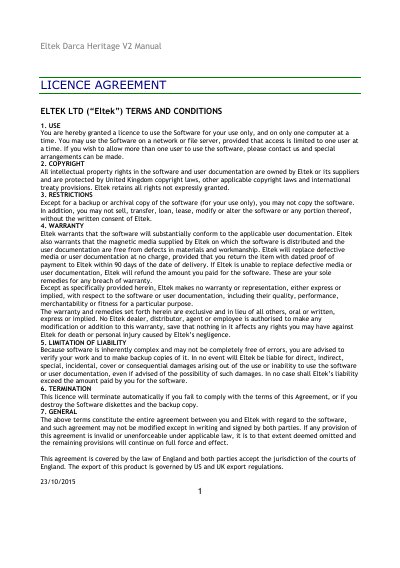
Eltek Darca Heritage V2 User Manual
The Eltek Darca Heritage V2 Manual serves as a comprehensive guide for setting up and using the Eltek Gen II Telemetry System. It details the system layout involving Buildings, Zones, and Groups, and explains the distinct roles of Site Administrators, Department Administrators, and Secondary Users within a network environment. The guide covers essential setup tasks such as configuring the Firebird database, setting up transmitters, and defining parameters to measure.
Read onlineEltek Darca Heritage V2 specifications
| Database Type | Firebird Database |
|---|---|
| Default Port | 3050 |
| Warranty Period | 90 days |
All Eltek Darca Heritage V2 documents by type
Day-to-day operation, settings and troubleshooting. Start here if the product is already set up.
Questions answered in these manuals
What is the primary use of the Eltek Darca Heritage V2 software?
The software is designed to enable users to get the most out of the Eltek Gen II Telemetry System and the Darca Heritage V2.
What is the default port number used by the Firebird database?
The Firebird database connects through port 3050 by default.
Can the software be used on a network?
Yes, but access must be limited to one user at a time unless special arrangements are made.
Who can edit the site layout?
Only Site Administrators have full access to site editing features; Secondary Users cannot edit the layout.