
This is a configuration guide for the D series display, which includes information on how to connect the device, its status, and how to configure it.
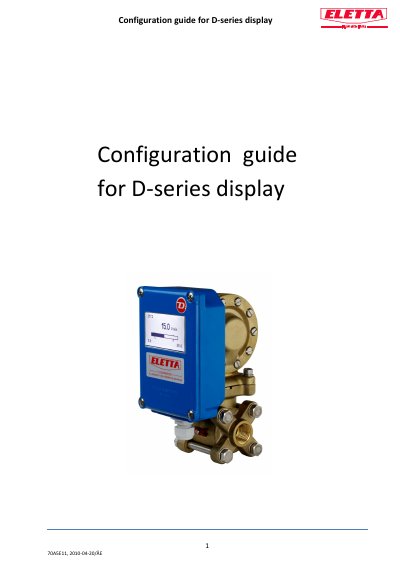
This guide explains how to configure the Philips D Series Display 70A5E11, including language selection, flow unit settings, alarm thresholds, and output options. Users access the main menu by pressing and holding the 'M' button. Changes to language or display units are saved to E² memory. Alarm settings can be adjusted within the flow range, with hysteresis options to prevent false triggering. Output can be set to frequency or current signals, and simulation mode allows testing without actual flow.
| Language Options | English, French, German, Swedish, Spanish, Chinese |
|---|---|
| Flow Units | % (of Q max), l/s, l/min, l/h, m³/min, m³/h, USGpm, CFM, CFH |
| Output Type | Open collector, 24 VDC/100mA, 200–1000 Hz frequency |
| Backlight Levels | Off, 25%, 50%, 75%, 100% |
| Filter Levels | 1 to 99 (factory default: 2) |
Press the 'M' button once to enter the menu, then press 'M' again to move to the language option. Use '+' or '-' to select your language and confirm with 'M'.
The unit will be recalculated to the new unit, but you do not need to change the orifice.
Scroll to 'Alarm', press 'M', then scroll to L1 or L2 and press 'M'. Use '+' or '-' to set the value and confirm with 'M'.