
This document is an instruction manual for a wireless trackball mouse, which introduces the characteristics of the product.
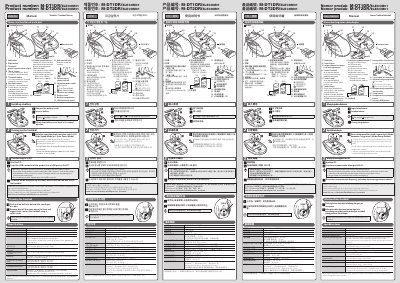
This manual explains how to install batteries, turn on the mouse, and connect it to a PC via USB. It includes specifications such as 750/1500 dpi resolution, 2.4 GHz radio frequency, and supported operating systems including Windows and Macintosh. It also covers mode switching between high-speed and low-power modes and provides safety warnings for USB connector handling.
| Resolution | 750/1500 dpi (switchable) |
|---|---|
| Interface | USB |
| Radio Frequency | 2.4 GHz band |
| Radio Wave Method | GFSK modulation |
| Radio Wave Outreach | Approx. 10 m on non-magnetic surfaces, approx. 3 m on magnetic surfaces |
| Dimensions (W × D × H) | Trackball mouse: approx. 95 × 125 × 48 mm; Receiver unit: approx. 14 × 19 × 5 mm |
| Operating Temperature/Humidity | 5°C to 40°C / 90%RH or less (without condensation) |
| Storage Temperature/Humidity | -10°C to 60°C / 90%RH or less (without condensation) |
| Batteries | AA alkaline dry battery, AA manganese dry battery, or AA nickel-metal hydride rechargeable battery |
| Continuous Operating Time (Low Power Mode) | Approx. 125 hours |
| Continuous Standby Time | Approx. 694 days |
| Estimated Battery Life (Low Power Mode) | Approx. 273 days |
| Supported OS | Windows® 10, Windows® 8.1, Windows® RT8.1, Windows® 7, Windows Vista®, Macintosh OS X 10.10 |
Slide the operation mode switch, start the PC, and insert the USB connector into a USB port. The driver will install automatically.
Windows® 10, Windows® 8.1, Windows® RT8.1, Windows® 7, Windows Vista®, and Macintosh OS X 10.10.