
Dell D6000 docking station manual

This is a manual that introduces how to connect external devices, including displays, LAN, USB devices and headphones.
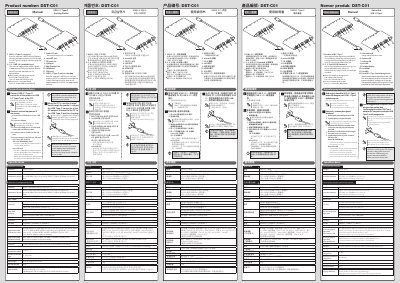

Dell D6000 docking station manual - cover page
Brand
DELL
Category
Other Computer Accessories
Document type
User Manual
Language
English
Pages
2
File format
PDF
File size
3.2 MB
Published
18 October, 2023
Updated
18 October, 2023
MD5 checksum
DAE38E514787E39EDB6DFD0B56063AD7

About this manual

This document provides user instructions for the Dell DST-CO1 docking station. It details how to connect the device to a PC via USB Type-C, insert media cards, and attach external peripherals like monitors and audio devices. The guide includes specific warnings regarding data safety during insertion and removal of media cards.

What's inside

  • Connection procedures
  • USB Type-C port
  • Media card insertion
  • Port specifications
  • Power delivery
  • Audio connection
  • LAN connection
  • Safety warnings

Specifications

USB 3.1 Type-C Port12 ports for charging
USB 3.1 Gen1 Speed5Gbps theoretical
Media Card SlotsSD/microSD

Frequently asked questions

Can I use Mini DisplayPort, HDMI, and VGA at the same time?

No, do not use Mini DisplayPort, HDMI, and VGA at the same time.

What happens if I remove a media card while data is being read or written?

A temporary power outage may cause corruption or loss of data.

Download PDF (3.2 MB)

More DELL Manuals


View all DELL manuals →