
This manual contains technical information for the ADU-2220 and ADU auxiliary display unit firmware version 012x.
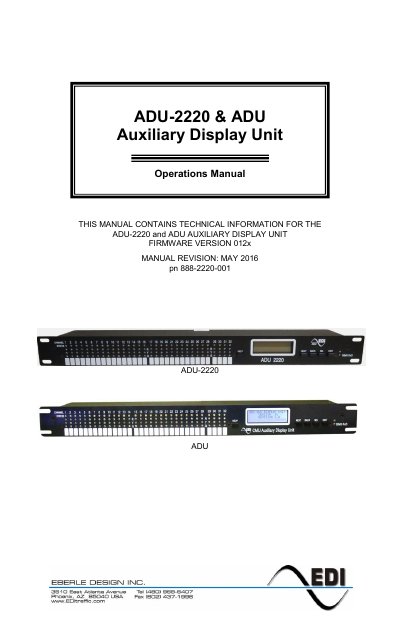
This manual provides detailed instructions for operating the ADU-2220 and ADU auxiliary display units, including front panel controls, menu navigation, and diagnostic tools. It covers how to use the context-sensitive help system and the built-in Diagnostic Wizard to troubleshoot faults. The units are designed for mounting in 1U rack space and are compatible with specific cabinet monitor units. The manual also includes specifications for power, communication, and environmental conditions.
The display features LED indicators for channel status and an LCD screen for detailed status and menu navigation. Buttons for navigation, selection, and help are explained, along with troubleshooting steps for power and serial bus issues.
| SB #3 Communication Port | Serial Bus #3 |
|---|---|
| Mechanical | 1U rack mount |
The Diagnostic Wizard provides detailed diagnostic information regarding the fault being analyzed, including a concise view of signal states, pinpointing faulty signal inputs, and guidance on isolating the cause of the malfunction.
The monitor will illuminate all front panel LED and LCD indicators for 500ms when a Reset command is issued by the front panel RESET button or EXTERNAL RESET input of the CMU.
The HELP button automatically activates the Diagnostic Wizard when the display mode is currently at the top level menu AND the unit is in the fault state.