
This manual contains technical information for the 2018KCL and 2018KCLip, PCB Issue J Firmware Version 0159, 0459
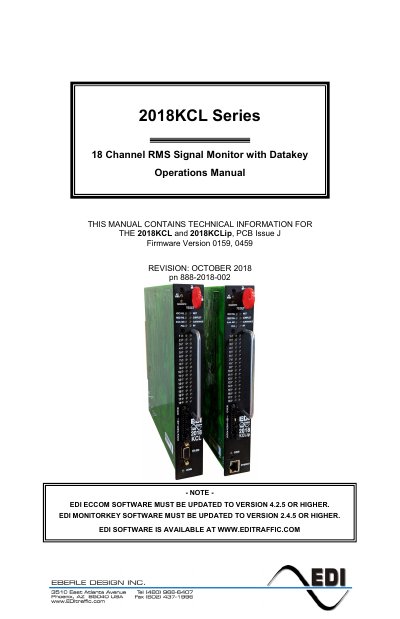
This manual provides detailed instructions for operating and configuring the 2018KCL Series 18 Channel RMS Signal Monitor, designed and manufactured by Eberle Design Inc. It covers basic and extended monitoring functions, installation, front panel controls, circuit operation, and troubleshooting. The unit monitors traffic signals for conflicts, 24VDC supply, and controller watchdog status, and features a Datakey for electronic configuration. It is compatible with 170 Controller Units and 2070 Advanced Traffic Controllers, and includes Ethernet or EIA-232 communication options.
The manual includes wiring assignments, fault event logging, and diagnostic modes. It also contains safety warnings, such as unplugging the P8 red interface cable before removing the unit, and notes on software compatibility (EDI ECCOM and MonitorKey software versions 4.2.5 and 2.4.5 or higher).
| Power Requirements | Not specified in text |
|---|---|
| AC Voltage Monitors | Not specified in text |
| DC Voltage Monitors | Not specified in text |
| Timing Functions | Not specified in text |
EDI ECCOM software must be updated to version 4.2.5 or higher, and EDI MonitorKey software must be updated to version 2.4.5 or higher.
The Datakey replaces mechanical jumpers, DIP switches, and diode-based program cards for electronic configuration of the unit.
The unit enters fault mode, illuminating the appropriate indicator, transferring relay contacts to fault position, and enabling Stop-Time output to the controller.