
EIZO FlexScan LCD Monitor User's Manual

This manual describes the features and operation of EIZO LCD monitors.
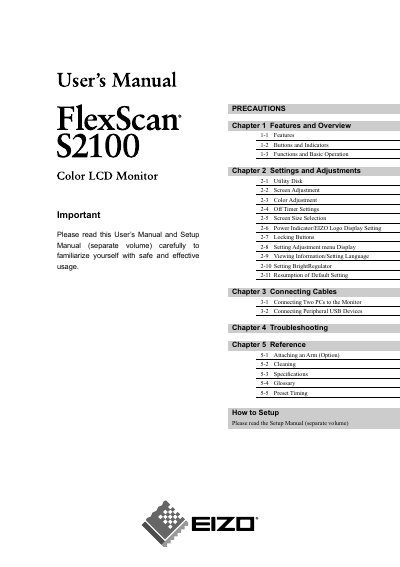

EIZO FlexScan LCD Monitor User's Manual - cover page
Brand
EIZO
Category
Monitors
Document type
User Manual
Language
English
Pages
38
File format
PDF
File size
1.2 MB
Published
18 October, 2023
Updated
18 October, 2023
MD5 checksum
DCFB8FD60BF31EEB9786C43FFA258743

About this manual

This User's Manual covers the EIZO FlexScan color LCD monitor. It describes safety precautions, product features, buttons and indicators, and basic operation.

The manual also explains screen and color adjustment, connecting cables and USB devices, troubleshooting, cleaning, and specifications.

What's inside

  • Features
  • Buttons and Indicators
  • Screen Adjustment
  • Color Adjustment
  • Connecting Cables
  • Troubleshooting
  • Cleaning
  • Specifications

Frequently asked questions

What should I do if the monitor emits smoke or a burning smell?

Disconnect all power connections immediately and contact your dealer for advice.

How often should I rest my eyes while using the monitor?

Take a 10-minute rest every hour.

Can I open the monitor cabinet or modify the unit?

No, do not open the cabinet or modify the unit.

What part of the LCD panel contains mercury?

The backlight of the LCD panel contains mercury.

Download PDF (1.2 MB)

More EIZO Manuals


View all EIZO manuals →