
This manual provides detailed information on the JA72-410 glove box, including its features, installation, and operating instructions.
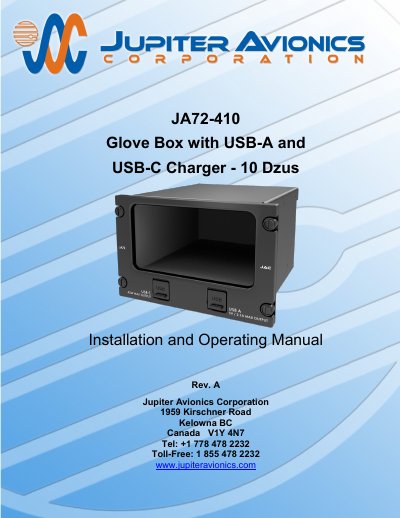
The Jupiter Avionics JA72-410 is a glove box designed for aircraft instrument panels, utilizing a 10 Dzus high aperture for mounting. It features a black anodized interior finish to minimize scratches and includes two power output ports: a USB Type A receptacle supplying 5 Vdc up to 2.1 Amps and a USB Type C receptacle capable of delivering up to 45 Watts via USB PD.
| Power Input Nominal Voltage | 28.0 Vdc |
|---|---|
| Power Input Maximum Voltage | 32.2 Vdc |
| Power Input Minimum Voltage | 22.0 Vdc |
| USB-A Output Rated Current | 2.1 Amps |
| USB-C Output Rated Current | 2.25 A for +20 V output |
| USB-C Output Voltage | +5 Vdc to +20 Vdc |
| Enclosure Material | 5052-H32 aluminum |
| Mounting Hardware | 10 Dzus fasteners |
The product is warranted for 2 years from the date of installation by an approved dealer.
No, the USB-A port is not designed to be used for data transfer.
The manual recommends tools such as the POSITRONIC 9507-0-0-0 or DANIELS AFM 8.