
This manual is about the installation and operation of Jupiter Avionics Corporation JA72-310 Glove Box with Dual USB Charger and Audio Jack
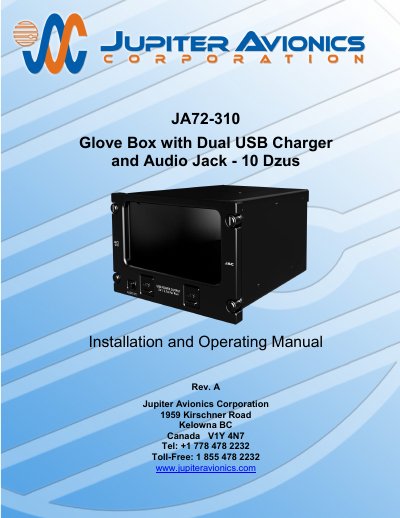
This document provides installation and operating instructions for the JA72-310 Glove Box, designed for aircraft use. It includes wiring, mechanical installation, and post-installation checks. The unit features two USB 2.0 Type A ports for charging devices and a 3.5mm stereo jack for audio connectivity. Installation must comply with aircraft airworthiness standards and wiring specifications.
| Power Input Primary Nominal Voltage | 28.0 Vdc |
|---|---|
| Output Rated Current | 2.10 A |
| Height | 3.75 in [95.3 mm] |
| Weight | 1.50 lb [0.68 kg] |
Each USB port provides 5 Vdc up to 2.1 Amps.
The enclosure is made of 5052-H32 aluminum with a brushed texture and black anodized finish.
The product is warranted for 2 years from the date of installation by an approved JAC dealer or agency.