
This document is the user manual for Aten SN3101. It mainly introduces the features and functions of the device.
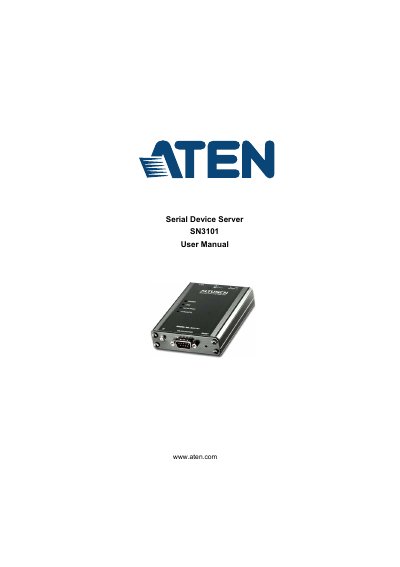
This manual provides step-by-step instructions for installing, configuring, and operating the ATEN SN3101 Serial Device Server. It covers hardware setup, browser-based administration, port operating modes, virtual port management, and LDAP server configuration for authentication. The device supports RS-232/422/485 serial protocols and 10/100BaseTX networking with magnetic isolation. It includes safety, troubleshooting, and technical specifications for proper operation in commercial environments.
| Serial Standards | RS-232/422/485; Software selectable |
|---|---|
| Baud Rate | 460Kbps |
| Network Standards | 10/100BaseTX; Autosensing |
| Power Input PWR1 | 12—48V DC (2-pin Terminal Block) |
| Operating Temperature | 0–60 °C |
| Dimensions | 10.69 x 7.90 x 2.44 cm |
It supports RS-232/422/485 with software-selectable standards.
It accepts 12–48V DC via a 2-pin terminal block.
0–60°C.
Configure using Active Directory or OpenLDAP with schema extensions and permission attributes.