
This document is the manual of testo 175 data logger. This data logger can be used to measure temperature, humidity, air pressure, wind speed, wind direction and noise.
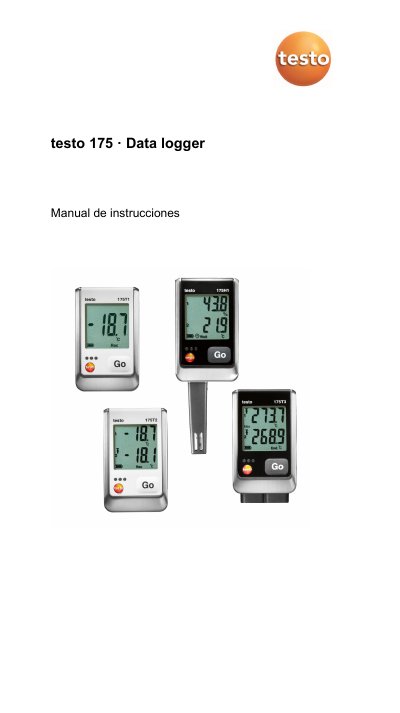
This manual provides instructions for the testo 175 data logger, a device used to record and read individual measurement values and measurement series. It covers various models including the testo 175 T1, T2, T3, and H1, each designed for specific applications such as temperature monitoring in refrigerators, heating systems, or environmental conditions.
The document details the safety precautions, technical specifications, and step-by-step procedures for initial setup, including unlocking the device, inserting batteries, and connecting to a PC. It also explains the functions of the display and control keys, how to connect sensors, program the device via software, and perform maintenance tasks like battery replacement and cleaning. This manual is written in Spanish.
| Measurement Parameter | Temperature (°C/°F) |
|---|---|
| Sensor Type (T1) | Internal NTC temperature sensor |
| Measurement Range (T1) | -35 to +55 °C |
| System Accuracy (T1) | ±0,5 °C |
| Battery Type | 3x AAA batteries or Energizer L92 AAA |
| Operating Time | 3 years |
| Protection Class | IP 65 |
| Dimensions | 89 x 53 x 27 mm |
| Storage Capacity | 1 million measured values |
| Interface | Mini-USB, SD card slot |
The operating time is 3 years with a measurement interval of 15 minutes at +25 °C.
Remove the SD card, free up storage space, and copy the data.
Contact your distributor or Testo customer service.