
The testo IRSoft software can be used to analyse thermal images and create professional reports. This manual describes how to install, use and configure the software, as well as how to evaluate images.
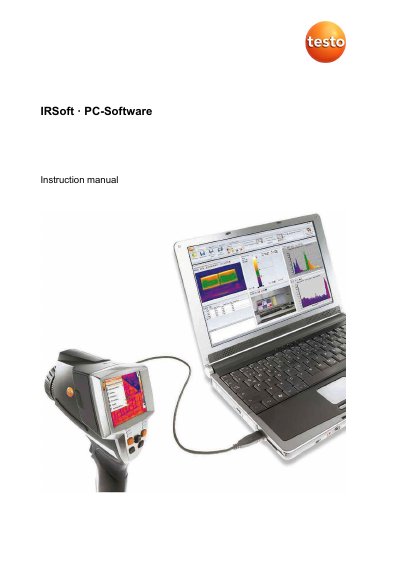
This manual provides instructions for the testo IRSoft PC software, a tool designed for the extensive analysis, processing, and archiving of thermal images recorded by testo thermal imagers. It guides users through downloading and installing the software and drivers, as well as configuring the instrument via the PC.
| Operating system | Windows 8 (32 bit / 64 bit), Windows 10 (32 bit / 64 bit) |
|---|---|
| Interface requirement | USB 2.0 or higher |
| Minimum RAM | 4 GB |
| Hard drive capacity | 3 GB available |
| Graphics requirement | DirectX 9c graphics device |
| Maximum video stream frequency | 25 Hz |
Activate the Automatic check function in the Settings tab under Program updates group.
Download the update from the Internet and perform the installation of the new version without uninstalling the existing one.
Start IRSoft before connecting the thermal imager and check if the Import Wizard is active in the Imager tab.