
This manual is the instruction manual for the testo 191 Professional software.
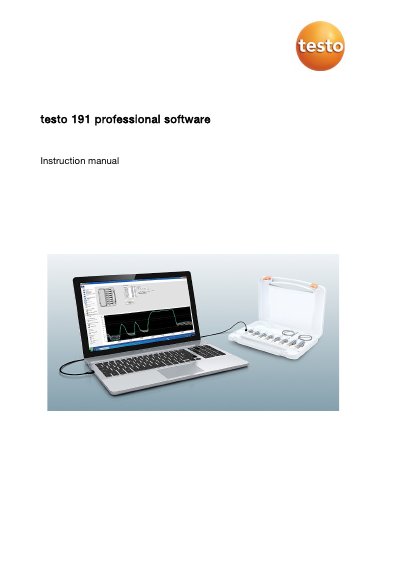
The testo 191 Professional software is designed for programming, reading out, and evaluating testo 191 data loggers. It allows users to define acceptance criteria, perform calculations, and generate reports based on measurement data transferred via a programming and readout unit.
The document covers system requirements, installation steps, and detailed usage instructions. Key features include setting units, checking battery status, managing calibration data, viewing charts and raw data, and creating custom templates for specific measurement processes like sterilization or plate temperature qualification.
| Intended purpose | programming, reading out and evaluating testo 191 data loggers |
|---|---|
| Operating system | Windows 7, 8 Pro, 8 Enterprise, 8.1, 10 |
| Interface requirement | USB 2.0 or higher |
| Browser requirement | Internet Explorer 9 or higher |
Knowledge of Windows operating systems is required to work with the software.
The testo 191 T1, T2, and T3 require a long distance adapter, while the T4 requires a short distance adapter.
Yes, certain functions like setting units and creating templates can be used without the unit connected.