
How to insert battery pack and memory card into camera
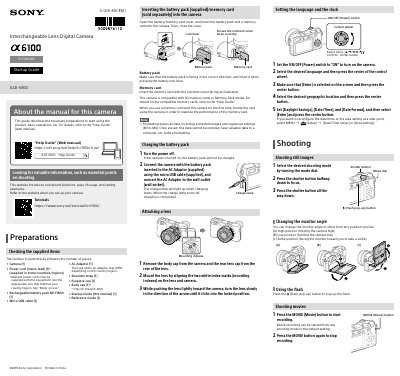
This guide explains how to set up and operate the Sony ILCE-6100 camera, including inserting batteries and memory cards, charging, attaching lenses, and setting language and clock. It also covers shooting still images and videos, viewing media, transferring images to smartphones via Wi-Fi, and managing files on a computer using PlayMemories Home and Imaging Edge software. Safety notes and usage precautions are included for handling the camera and its accessories.
Open the battery/memory card cover, insert the battery pack and memory card with the notched corner facing correctly, then close the cover.
Turn the power off, connect the camera to the AC Adaptor using the micro USB cable, and plug the AC Adaptor into the wall outlet. The charge lamp will light up when charging starts and turn off when completed.
Install Imaging Edge Mobile on your smartphone, connect the camera and smartphone using the QR Code, and select the images to transfer.
Turn the power on, select the desired language, press the center button, select the geographic location, press the center button, then set [Daylight Savings], [Date/Time], and [Date Format], and press the center button.