
This document is the instruction manual of a digital camera, which introduces the characteristics and usage methods of the camera
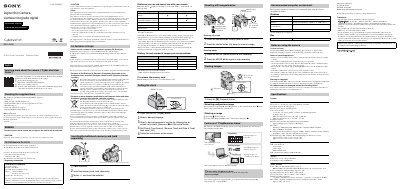
This is the official instruction manual for the Sony DSC-H300 digital still camera. It includes setup instructions, battery and memory card insertion, shooting still images and movies, viewing images, and deleting photos. It also covers software compatibility for 'PlayMemories Home' and safety warnings.
The manual provides details on camera specifications, such as a 20.4 megapixel sensor, 35x zoom lens, and SteadyShot optical image stabilization. It includes warnings about water exposure, lens care, and copyright restrictions.
| System | Image device: 7.76 mm (1/2.3 type) CCD, Primary color filter |
|---|---|
| Total pixel | Approx. 20.4 Megapixels |
| Effective pixel | Approx. 20.1 Megapixels |
| Lens | 35x zoom lens f=4.5 mm — 157.5 mm (25 mm — 875 mm (35 mm film equivalent) F3.0 (W)-F5.9 (T) |
| SteadyShot | Optical |
You can use LR6 (size AA) alkaline batteries and Nickel-Metal Hydride batteries. Lithium, manganese, and Ni-Cd batteries are not supported.
You can record approximately 350 still images on a full charge.
For Windows: OS Windows Vista SP2/Windows 7 SP1/Windows 8, CPU Intel Pentium 800 MHz or faster, Memory 1 GB or more, Hard Disk 600 MB for installation.
Press the [ff (Delete) button, select [This Tmage] with & on the control button, then press @.