
This User's Manual provides information on MultiSync E231W including warnings and cautions, registration information, recommended use, contents, quick start, controls, specifications, features, troubleshooting, the Auto Brightness function and Manufacturer’s Recycling and Energy Information.
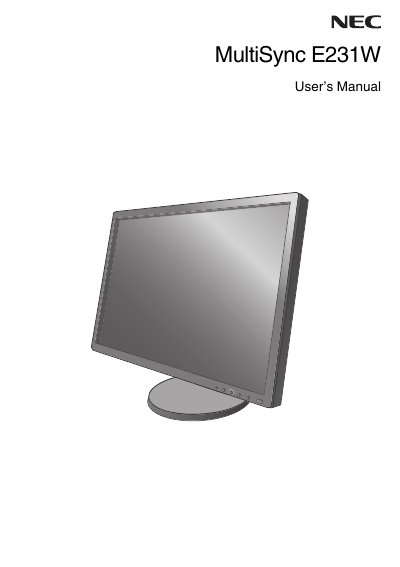
This document serves as the user's manual for the NEC MultiSync E231W color monitor. It covers essential safety precautions, registration information, and recommended usage practices to ensure optimal performance and longevity of the device. The guide includes detailed instructions on setup, control panel usage, and specific features like the Auto Brightness function.
| Product Type | colour monitor |
|---|---|
| Model Number | E231W (L239NP) |
Immediately unplug your monitor from the wall outlet and refer servicing to qualified service personnel.
No, do not place heavy objects on the power cord as damage may cause shock or fire.