
This file is a user manual for MultiSync LCD1970V MultiSync LCD1970VX MultiSync LCD1970NX, which mainly introduces the product's setup, installation, usage methods, technical parameters, etc.
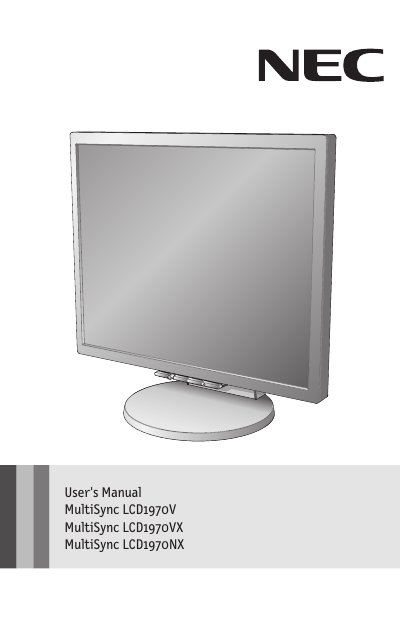
This manual provides instructions for the setup and operation of the NEC MultiSync LCD1970V, LCD1970VX, and LCD1970NX monitors. It covers connecting the monitor to a computer system using DVI or analog signals, managing cables, and powering on the device. The guide also details how to adjust the screen height, tilt, and swivel for optimal viewing.
| Weight of LCD assembly | 4.9kg MAX (LCD1970V) |
|---|---|
| Weight of LCD assembly | 5.4kg MAX (LCD1970NX) |
| Bracket thickness requirement | 2.0~3.2 mm |
The box contains a Power Cord, User's Manual, USB Cable (NX only), Cable Management Cover, Video Signal Cable (mini D-SUB), and DVI-D Cable (NX and VX only).
Disconnect all cables, remove the two screws connecting the stand to the monitor, lift the stand to unlatch the upper hooks, and remove the stand.