
This manual provides an overview of the Ethernet Interface, installation, network connections, printer management utility, connecting to the network and configuration tools for the 6400 line matrix printers.
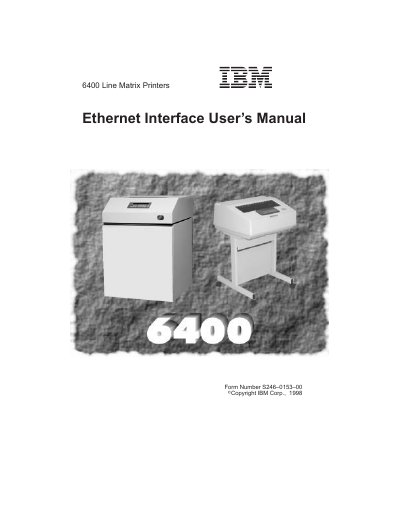
This manual provides step-by-step instructions for installing, configuring, and troubleshooting the Ethernet interface for IBM 6400 line matrix printers. It covers setup for OS/2, AS/400, Windows, Unix, and Novell environments, including TCP/IP configuration, printer management utilities, and network troubleshooting. The guide also includes security settings, logging, and command-line tools for managing the interface.
The document is organized by operating system and includes detailed sections for each platform, with subsections on mandatory and optional settings, host configuration, router communication, and troubleshooting common issues such as TCP/IP access problems and printer output errors.
It enables network connectivity for the printer, allowing configuration and printing over TCP/IP networks.
Features include security settings, printer monitoring, logging, and command-line tools for configuration.
Configure TCP/IP settings, use the Printer Operator Panel, and set up LPR print queues.
Check network settings, verify IP configuration, and ensure proper routing and host table entries.