
This manual introduces the basic operating methods of JVC GY-HM70U high-definition memory card camera, including power on, shooting, recording, playback, using accessories, maintenance and troubleshooting.
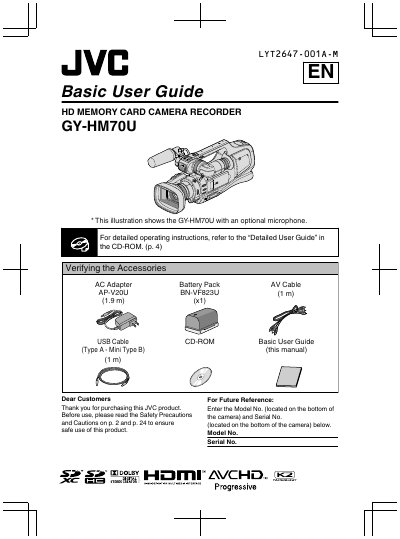
This document is the Basic User Guide for the JVC GY-HM70U HD Memory Card Camera Recorder. It provides essential operating instructions for new users, including safety precautions, accessory verification, and initial setup procedures. The guide covers fundamental tasks such as charging the battery, inserting an SD card, setting the clock, and recording video and still images. It also explains how to play back footage on the unit or a TV and how to copy data to a computer. For more detailed operating instructions, the text directs users to the "Detailed User Guide" available on the included CD-ROM.
| Product Type | HD Memory Card Camera Recorder |
|---|---|
| Included Battery | BN-VF823U |
| Included AV Cable Length | 1 m |
| Included USB Cable Length | 1 m |
| Included AC Adapter | AP-V20U |
Refer to the "Detailed User Guide" in the CD-ROM.
They are located on the bottom of the camera.
Adobe Acrobat Reader version 5 or higher or Adobe Reader is required.