
This electronic manual provides instructions on how to use the JVC D-ILA DLA-NZ9 DLA-RS4100 DLA-NZ8 DLA-RS3100 DLA-NZ7 DLA-RS2100 projector
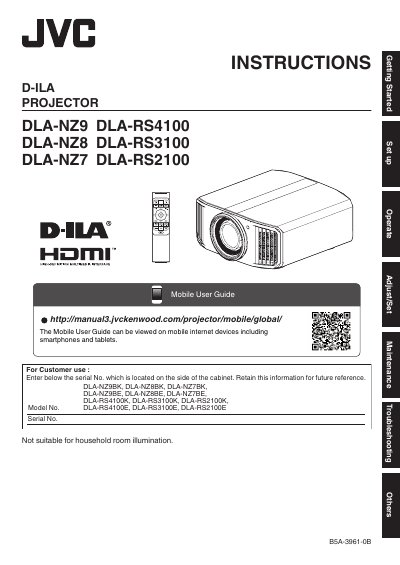
This manual provides safety guidelines and operating instructions for JVC D-ILA projectors, including models DLA-NZ9, DLA-RS4100, DLA-NZ8, DLA-RS3100, DLA-NZ7, and DLA-RS2100. It covers electrical safety, ventilation requirements, and proper handling to prevent fire or electric shock hazards. Users are instructed to unplug the device before cleaning and to avoid placing it on unstable surfaces or blocking ventilation openings.
The manual also includes FCC compliance information and warnings about laser safety, emphasizing that the lens cover must be removed before turning on the projector. It provides guidance on proper power supply usage and grounding requirements to ensure safe operation.
DLA-NZ9, DLA-RS4100, DLA-NZ8, DLA-RS3100, DLA-NZ7, DLA-RS2100.
Remove the lens cover before turning on the projector.
This equipment has been tested and found to comply with the limits for Class B digital devices, pursuant to Part 15 of the FCC Rules.