
This document is the licensing agreement of Edimax Technology Co, LTD. Including copyright, software license and revision permission.
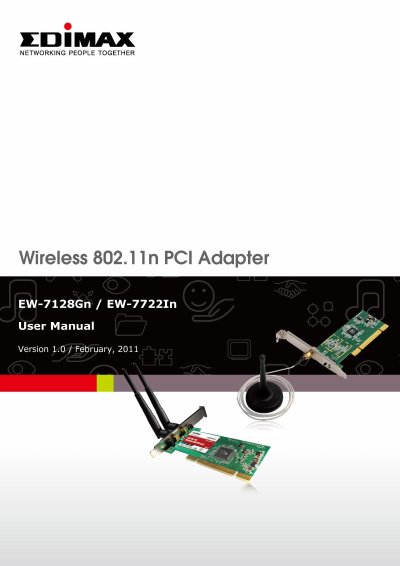
This manual provides installation and configuration instructions for Edimax wireless network cards, including models EW-7128Gn and EW-7722In. It covers driver setup, wireless settings, security options, and troubleshooting. The cards support 802.11b/g/n standards with speeds up to 300Mbps and include WPS for easy setup. Safety and usage guidelines are also included.
The manual is designed for users installing the card in Windows 2000, XP, Vista, or 7 systems and includes a CD-ROM with drivers and utilities. It also explains wireless concepts like BSS ID, WEP, TKIP, and AES for users needing technical background.
| Data Transfer Rate | Up to 150Mbps (EW-7128Gn) / 300Mbps (EW-7722In) |
|---|---|
| Wireless Standards | 802.11b/g/n |
| Interface | PCI |
WPS is a quick setup method that allows you to connect without needing an experienced technician by pushing a button or entering an 8-digit code.
The card supports WEP, WPA, and WPA2 encryption.
Windows 2000, XP, Vista, or Windows 7.