
This file is a knowledge base file about Edimax products. It provides details about Edimax products' features and characteristics, including the product's brand, model, Chinese title, English title, etc.
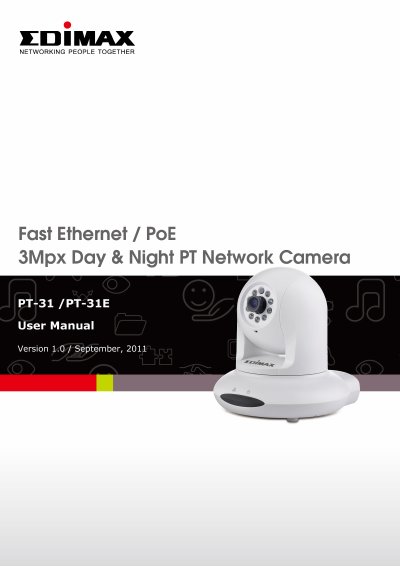
This user manual provides step-by-step instructions for installing and configuring the Edimax PT-31/PT-31E 3Mpx day and night PT network camera. It covers package contents, camera components, mounting procedures, network setup, live monitoring, client settings, and advanced configuration options including motion detection, pan/tilt controls, and SD card storage. The manual also includes information on using EdiView 64-channel viewer software for video playback and system management.
The camera features IR LEDs for night vision, a microphone for audio, and a reset button for troubleshooting. It supports Ethernet connectivity and can record to an SD card up to 32GB. Configuration options include overlay settings, video settings, and security features. The manual includes a quick installation guide and utility software on the included CD.
| Resolution | 3Mpx |
|---|---|
| Video Recording | SD Card Storage |
| SD Card Support | Maximum 32GB |
| Connectivity | Ethernet |
The package includes the network camera, power adapter, Ethernet cable, mounting kit, CD with utility software and user manual, and a quick installation guide.
The left LED indicates network activity (on = connected, off = disconnected, flash = transferring data), and the right LED indicates power status (on = powered on, off = powered off).
Yes, the camera supports SD card recording with a maximum capacity of 32GB.