
This Quick Installation Guide (QIG) will guide you to quickly set up your Edimax Wireless AC1200 Dual Band Gigabit Router.
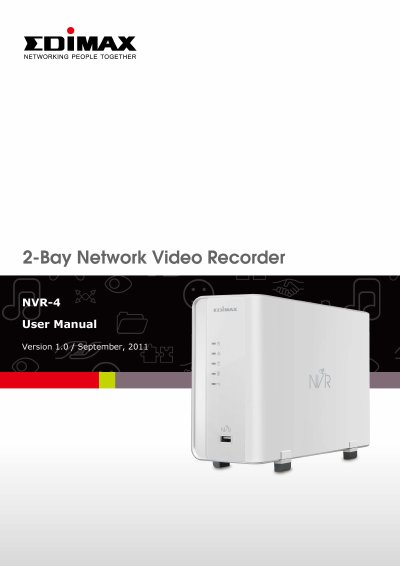
This document is the user manual for the Edimax NVR-4, a 2-bay network video recorder designed to manage and record video from up to four IP cameras. It features built-in SATA hard drive bays for storage, a Gigabit Ethernet port for network access, and a user-friendly web interface for configuration. The manual covers setup, camera control, recording settings, playback, system configuration, and troubleshooting.
The NVR-4 includes safety instructions to prevent damage from improper handling, such as avoiding hot/humid environments, not inserting accessories into the body, and not pulling hard drives while powered on. It also includes a CD with utility software and a quick installation guide, along with an AC power adapter and power cord in the package.
| Storage Capacity | Maximum 2TB per hard drive |
|---|---|
| Network Interface | 10/100/1000 Gigabit Ethernet |
| Camera Support | Supports EDIMAX IP cameras |
| USB Port | Front access USB port |
The NVR-4 supports 2 SATA hard drives, each with a maximum capacity of 2TB.
It supports 10/100/1000 Gigabit Ethernet for maximum network access speed.
Yes, it has a front-access USB port for easy access to external storage devices.