
This document is the copyright statement of Edimax products, including Edimax company's right to modify and publish, product images may be slightly different from the actual product, please refer to the user manual attached for detailed product information
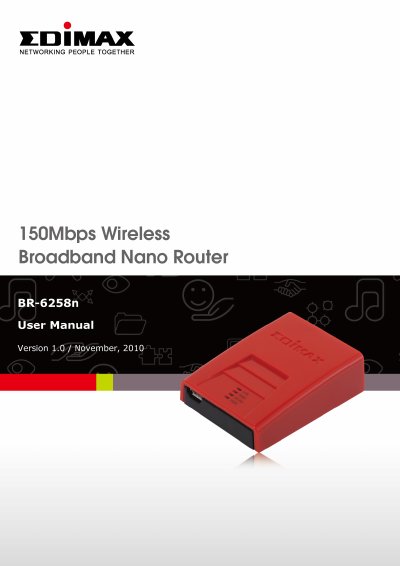
This manual provides step-by-step instructions for setting up and configuring the Edimax BR-6258n Wireless Broadband Nano Router. It covers network connections, wireless settings, security options, and advanced features like QoS, port forwarding, and firewall controls. The guide also includes safety information, system requirements, and firmware upgrade procedures to ensure optimal performance and security.
The router supports IEEE 802.11b/g/n wireless standards, offers a web-based GUI for configuration, and includes features such as WPS for quick wireless setup, DHCP server, and remote management. Users can customize settings for WAN, LAN, and wireless networks, monitor device status, and update firmware via the web interface.
| Wireless Standard | IEEE 802.11b/g/n |
|---|---|
| LAN Port | 10/100M |
| WAN Port | 10/100M |
| Maximum Wireless Speed | 150Mbps |
| Web Browser Compatibility | Microsoft Internet Explorer, Mozilla Firefox, Opera, Safari |
The default IP address is 192.168.2.1.
It is a wireless broadband nano router for sharing a single high-speed xDSL/cable Internet connection.
It has 1 LAN port (10/100M) and 1 WAN port (10/100M).
It requires an AC power socket of 100-240V, 50/60Hz.