
Allied Telesis x310 Series Fast Ethernet Switches Installation Guide

This document is an installation guide for the x310 series fast Ethernet switches. It introduces the characteristics and installation methods of the switch.
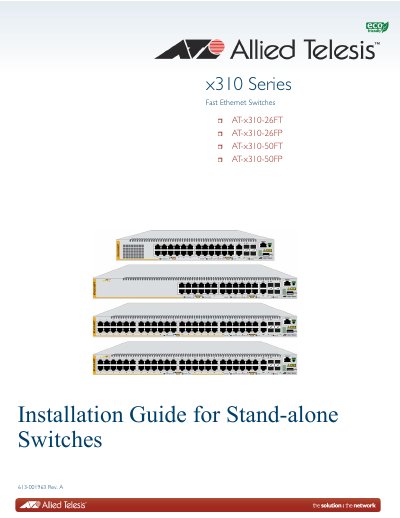

Allied Telesis x310 Series Fast Ethernet Switches Installation Guide - cover page
Brand
Allied Telesis
Document type
Installation Guide
Language
English
Pages
116
File format
PDF
File size
1.5 MB
Published
17 October, 2023
Updated
17 October, 2023
MD5 checksum
BA13E9688A5A49000B59A2D359A257D2

About this manual

This document serves as the standalone installation guide for the Allied Telesis x310 Series Fast Ethernet Switches, specifically models x310-26FT, x310-26FP, x310-50FT, and x310-50FP. It provides comprehensive instructions for electrical safety, site selection, unpacking, and physical installation on tables, equipment racks, or walls.

What's inside

  • Overview
  • Beginning the Installation
  • Installing the Switch on a Table or in an Equipment Rack
  • Installing the Switch on a Wall
  • Cabling the Networking Ports
  • Powering On the Switch
  • Troubleshooting
  • Technical Specifications

Specifications

Input VoltageSee Technical Specifications
Power SupplyOne AC power supply included

Frequently asked questions

How are the switches powered on or off?

The switches are powered on or off by connecting or disconnecting the power cords.

Can the power supply be replaced in the field?

No, the power supply is not field-replaceable.

Download PDF (1.5 MB)

More Allied Telesis Manuals


View all Allied Telesis manuals →