
This is an instruction manual for the Sierra Innova-Sonic® Model 210 Portable IM-210 Rev. G product.
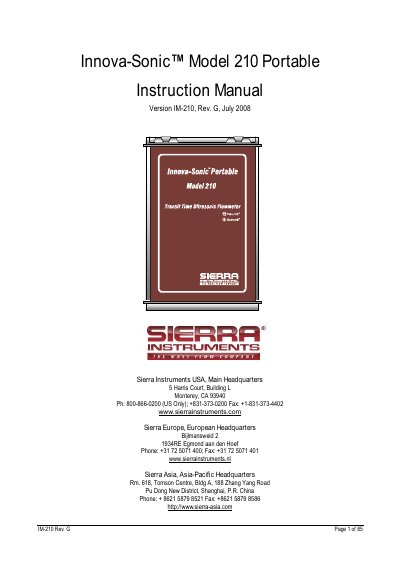
This manual provides step-by-step instructions for installing, operating, and calibrating the Sierra Instruments Innova-Sonic® Model 210 portable ultrasonic flow meter. It covers power connections, transducer mounting, menu navigation, data acquisition, and error diagnostics. The device supports Bluetooth communication and includes software for data analysis and printing. It also includes appendices with fluid and pipe material data for reference.
| Power Supply | 11.1V batteries |
|---|---|
| Output | 4~20mA current loop and relay output |
| Display | Self-diagnosis and operational status codes |
As soon as the Flowmeter is switched on, the self-diagnosis program will start to run. Normal operation is indicated by code “*R” on the upper left corner of the screen.
The keypad allows navigation through menus using 2-digit menu IDs, entering numerical values, and using shortcut keys for functions like flow, velocity, and signal.